Check How to schedule a message on Telegram
By Sandy
·
·
1 min read

Cloud-based messaging app Telegram has given another reason to users to make a switch from WhatsApp. There are times when we want to send a specific message at a specific time. Telegram offers a functionality which allows users to schedule a message which can be sent at a specific time. So, if you also want to schedule a message on Telegram the follow the below mentioned steps:
1.
Open the Telegram app on your smartphone
2.
Now open the chat in which you want to schedule a message
3.
After this type the message that you want to schedule
4.
Now long press the send message
5.
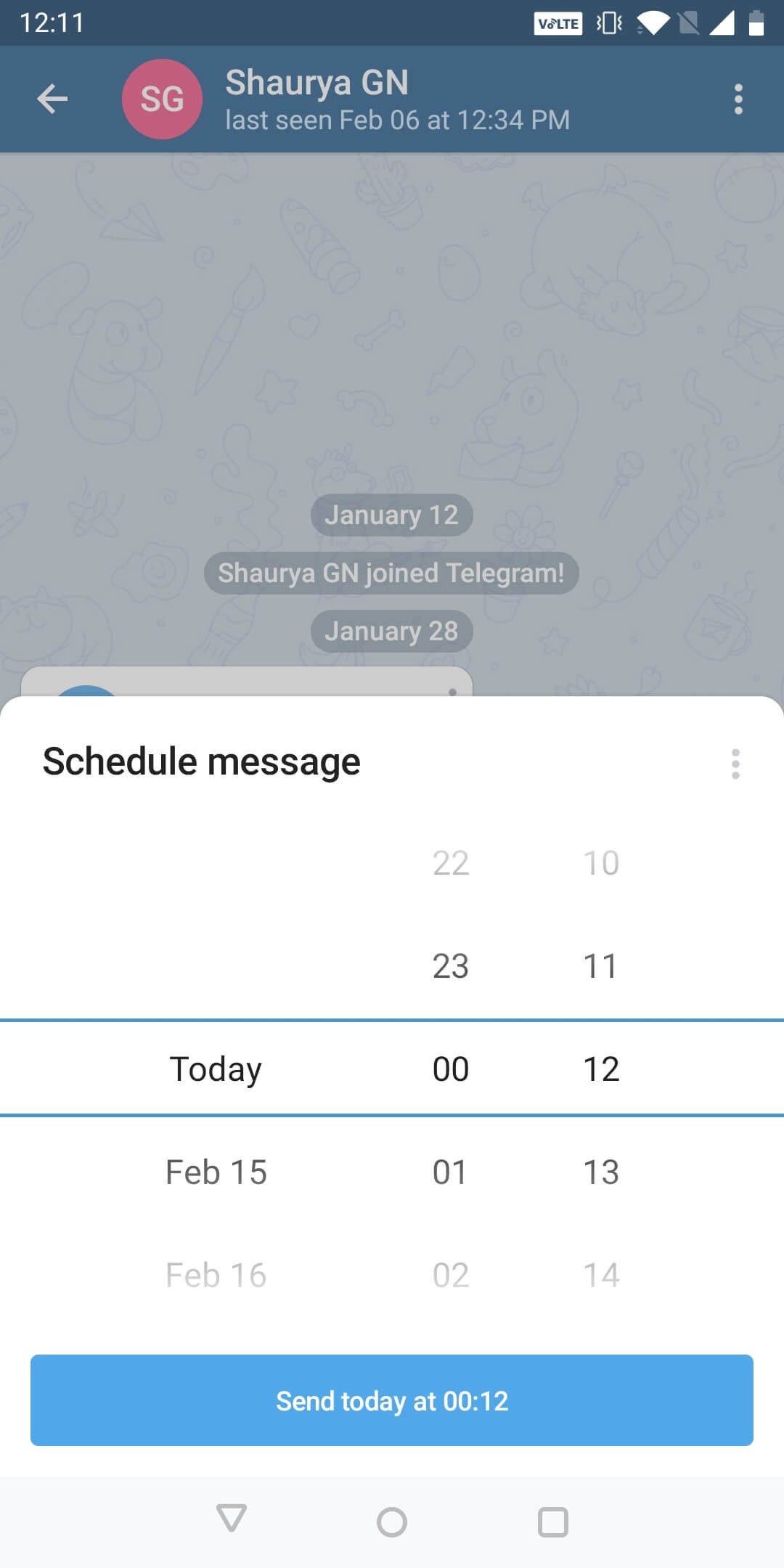
You will now notice the option to schedule a message
6.
Tap on schedule message option and the app will prompt you to select the date and time
7.